Here is my updated article on same topic: Xendit Work Gamificationsummit: Best Websites for Selling Event Tickets (2026 Guide)
Event organizers running ticket sales through GamificationSummit lose real money when a payment gateway does not support the methods local buyers actually use. A single unsupported e-wallet or a webhook that silently fails can turn a sold out event into a checkout page that buyers quietly abandon.
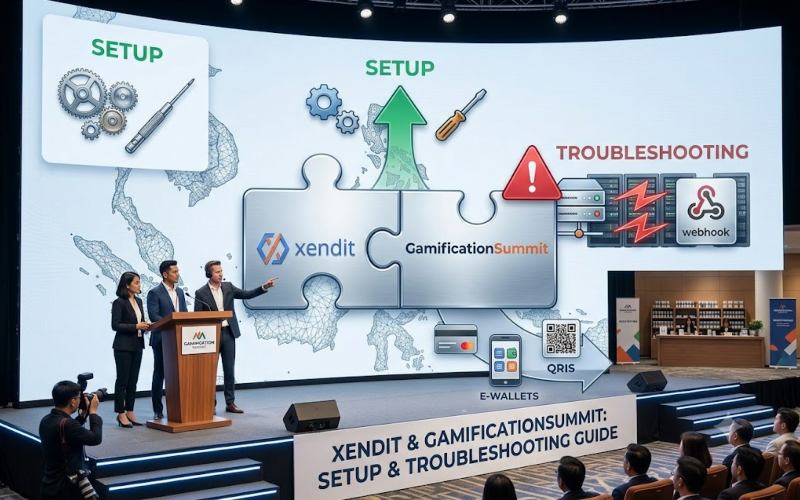
This guide covers how the xendit work gamificationsummit integration is actually configured, which payment methods it supports, and what happens when the connection breaks during a real ticket sale.
What the Xendit Work GamificationSummit Integration Actually Means
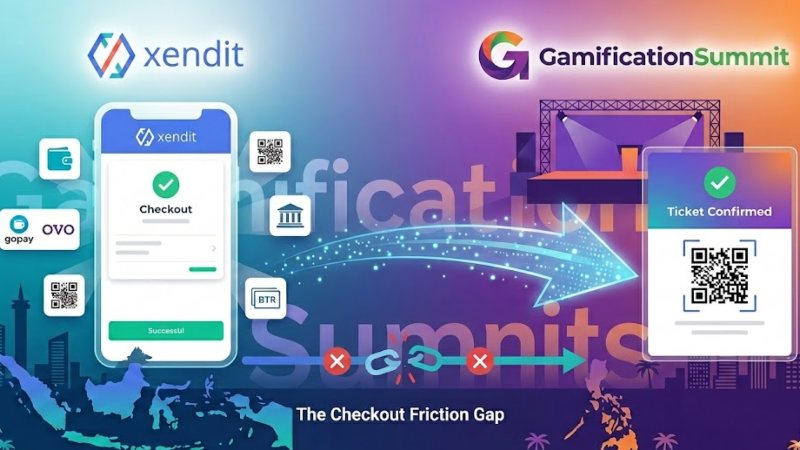
Xendit is a payment infrastructure company built for Southeast Asia. GamificationSummit is the ticketing platform that buyers see at checkout. The phrase describes the connection between the two. GamificationSummit collects the order. Xendit authenticates the payment, routes it to the right bank or e-wallet, and confirms the result. Card details never touch GamificationSummit’s own servers, which keeps the platform out of the direct scope of card data compliance.
How the Payment Flow Actually Runs
Xendit’s own payments documentation groups every payment method into three response types, and each one changes what the checkout page needs to do next. Payment methods that need the buyer to confirm on a hosted page or an app, such as e-wallets or 3D Secure cards, return a REDIRECT_CUSTOMER response.
Methods such as QR codes or bank transfers instead return a PRESENT_TO_CUSTOMER response, since the buyer acts on information shown to them rather than a redirect. Recurring or merchant initiated payments settle synchronously, then confirm through a webhook. This is the mechanism GamificationSummit relies on to release the ticket automatically once the payment clears.
Setting Up the Integration
The setup pattern is consistent across platforms that connect to Xendit, based on the documented account setup process. Create a Xendit account and open the dashboard. Under Settings, select API Keys under the Developers section, then generate a secret key.
Generate a test key first and confirm checkout works end to end before switching to a live key for real transactions. Copy the live secret key and the webhook signature key into GamificationSummit’s payment settings, then enable the specific payment channels needed for the event, such as recurring payments if tickets are sold on a subscription or installment basis.
Payment Methods Xendit Actually Supports
The table below reflects the payment methods Xendit lists on its own integration and product pages.
| Method | Detail |
| Cards | Visa, Mastercard, JCB, and AMEX, for both local and international cards |
| Virtual accounts | Bank transfer coverage across 140+ local banks |
| E-wallets | OVO and DANA, among the most used e-wallets in Indonesia |
| Over the counter | Cash payment at 12,000+ convenience stores including Alfamart and Alfamidi |
| QRIS | QR-based payments processed through the same unified API |
| Buy now, pay later | Installment payments through Xendit’s Kredivo integration |
What Happens When the Integration Breaks
Most articles on this topic stop at setup. The more useful question is what organizers do when the payment confirmation does not arrive on time.
A documented example comes from Auto360, an event ticketing system built for a large automotive exhibition in Jakarta that processed more than 173,000 tickets. The team’s own writeup, published on Medium, describes how they handled Xendit callback delays.
When Xendit callbacks for BCA bank transfers were delayed, the Auto360 team began confirming payments directly against bank account statements instead of waiting on the callback alone. They also built a manual override tool restricted to specific admin accounts, so staff could mark a payment as paid when a discrepancy occurred, with every change logged for accountability.
The lesson for a GamificationSummit organizer is direct. Plan for a manual reconciliation path before the event, not during it, especially for high volume ticket windows where a delayed webhook affects hundreds of buyers at once.
Xendit Compared to Running a Second Gateway
Xendit does not have to be the only gateway on a checkout page. Some ticketing platforms route between two gateways depending on the buyer’s region.
| Need | Xendit | A card-first gateway like Stripe |
| Local SEA bank transfers and e-wallets | Native support | Limited or unavailable |
| International card acceptance | Supported | Strong default |
| Over the counter cash payment | Supported through retail partners | Not supported |
For an event drawing attendees from both regions, running both gateways side by side generally covers more of the audience than picking one exclusively.
Who Should Actually Set This Up
This integration makes the most sense for organizers selling a meaningful volume of tickets to buyers based in Indonesia, the Philippines, or nearby markets.
It also assumes someone on the team can handle API keys, read a webhook log, and build or use a manual reconciliation process for the rare cases where a confirmation does not arrive.
A very small event with under a hundred tickets and an audience concentrated in one country may not need this level of setup at all.
Related Resources
If you are still choosing a ticketing platform, our comparison of ticketing website options for GamificationSummit events covers the alternatives side by side.
For the full API architecture behind this integration, including webhook flow and PCI scope, see our extended technical walkthrough of the Xendit integration.
If you have not built the checkout page itself yet, our guide to setting up a ticket sale website walks through that first step.
Before You Set This Up
Confirm where most of your buyers are located, generate a test key before a live key, and decide who on your team owns the manual reconciliation process before ticket sales open, not after.

Julian Thorne is a distinguished Technical Strategist and Fintech Analyst with over 6 years of experience in digital payment architectures. Specializing in the integration of high-performance gateways like Xendit, he focuses on optimizing the intersection of gamification and online ticketing systems. Julian’s expertise lies in deconstructing complex payment flows and enhancing sales effectiveness through data-driven insights. His recent work deeply explores the evolution of digital event platforms in 2026, providing actionable strategies for global summits and large-scale ticketing infrastructures.
Learn more about our team OR Get in touch